Closed test on Google Play
Play Daily Skyline on Android before launch
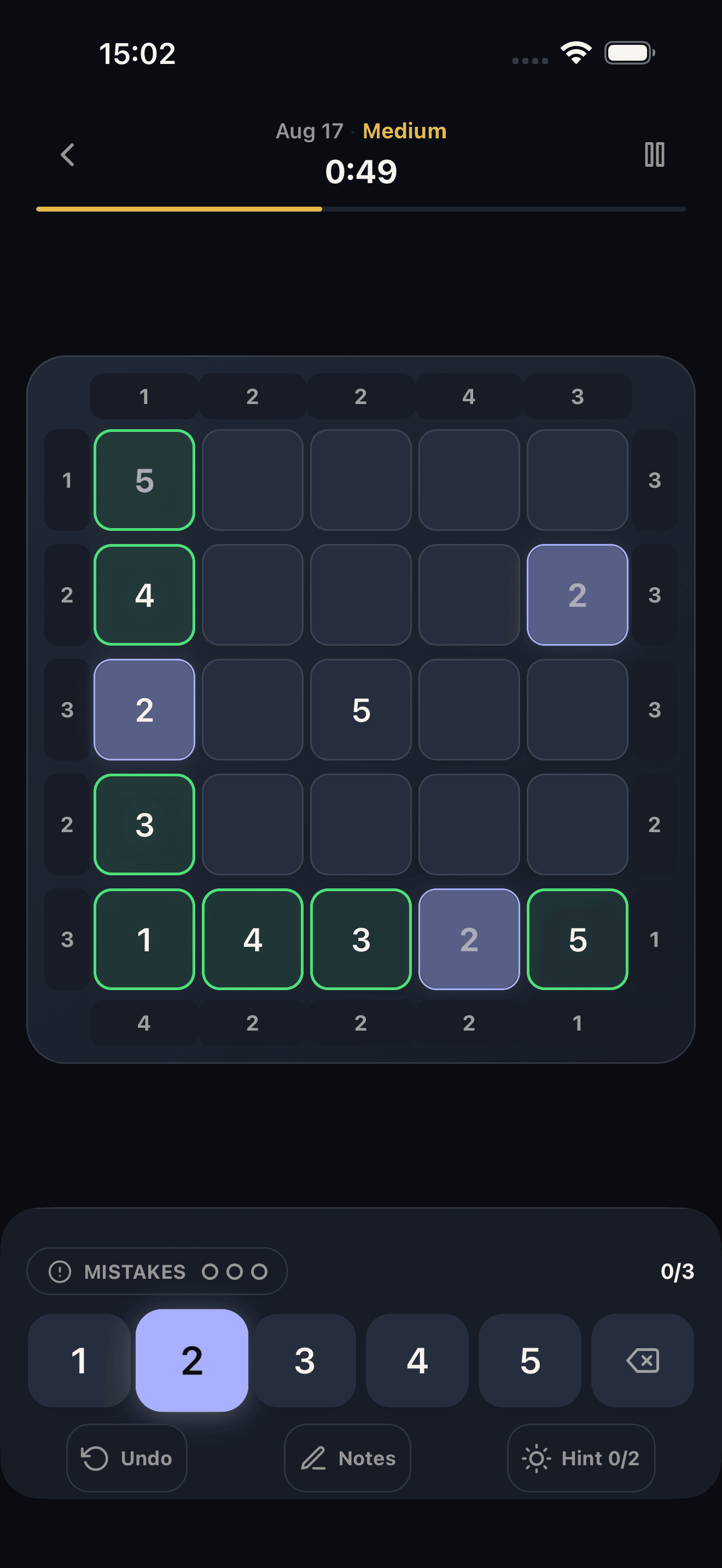
One shared 5×5 skyscraper puzzle every day, the same board as on iPhone. Join the closed test in three short steps and help us get the Android app out to everyone.
9 days to go
19 testers · goal reached
You can still join. If someone leaves early, Google may restart the count, so extra testers keep the launch on track.
- Free to play
- No in-app account
- No ads
Three steps to join
Do these on your Android phone if you can. Each button opens in a new tab.
Your privacy: only the developer and Google can see the email and name you use to join. Other testers never see them, and we don't use them for marketing.
Join the tester group
Open Google GroupTap the blue Join group button at the top. If Google says “You don't have permission to access this content”, that's normal: it only means you haven't joined yet. Use the Google account that is signed in to the Play Store on your phone.
GroupsMHO Beta TestersJoin group↑ Tap hereYou don't have permission to access this content
This message is normal before you join
Wait 5–10 minutes after step 1
Accept the test
Open testing pageTap Become a tester. Joining the group alone does not make you a tester. Google needs 5–10 minutes to see that you joined: if this page says the test isn't available, wait a little and open it again.
Opens the Google Play app
Install from Google Play
Get it on Google PlayOpen Daily Skyline on Google Play and install it. If it says the app isn't found, make sure you accepted the test with the same Google account, wait a few minutes and try again.
Can't join the group? Email us the Google account on your phone and we'll add you to the test by hand. Then do steps 2 and 3.
Please stay in the test for 14 days
Google Play opens a new app to everyone only after its testers stay in the test for 14 days in a row. Keep the app installed and play the daily when you can. If you leave early, you no longer count toward it. You can also send us private feedback from the app’s Google Play page; it helps us get the app approved.
Get one email on launch day
Leave your email and we'll send a single message when Daily Skyline is on Google Play for everyone.
One email, then nothing. We never share it.
Stuck on a step?
Email dailyskyline@muratoncu.com with your phone model and Android version. Bug reports and feedback are welcome too.
- Which Google account should I use?
- The one signed in to the Play Store on your Android phone. Use the same account for the group and the testing page.
- I can't join the Google Group.
- Email us the Google account you use on your phone. We'll add it to the test by hand, usually within a day. Then do steps 2 and 3 with that same account.
- I'm on a computer with several Google accounts.
- The testing page uses the account in the top-right corner of the browser. Switch to the same account your phone uses before you tap Become a tester.
- The app doesn't show up in Google Play.
- Check that you accepted the test on the testing page, not only joined the group. Google can take 5–10 minutes, sometimes longer, to show the app to a new tester. Wait, then open the testing page again on your phone.
- Can I leave the beta?
- Yes, from the testing page at any time. If you can, please stay at least 14 days — it helps the app launch publicly.
Beta purchases follow the same Terms of Service and Privacy Policy.